

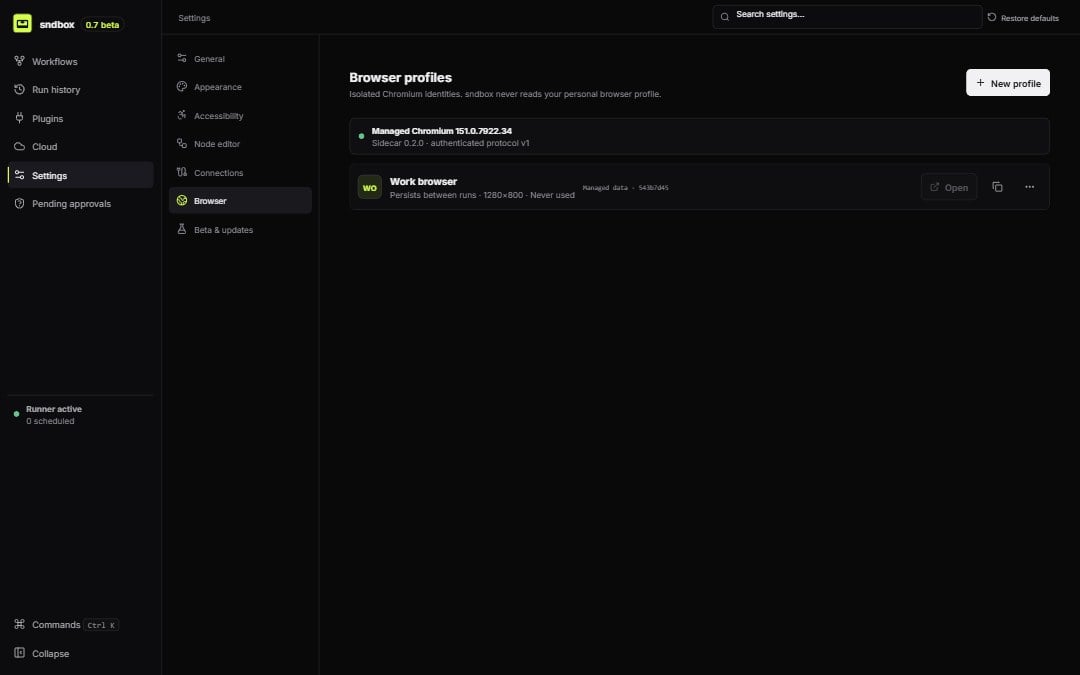
Managed Chromium health and isolated browser profiles
Engine
The health panel reports availability, protocol version, sidecar version, browser name/version, and startup error. Restart the engine from this page when the runtime is present but unhealthy.Profiles
Create, edit, duplicate, open, clear, or delete a profile. Each profile stores:profileId. Review affected workflows and choose a replacement before the next run.