

Local, synced, and published are different
Sync is not publication, and publication is not a mutable pointer to whatever is currently on the canvas. This separation keeps review evidence attached to the bytes that actually run.
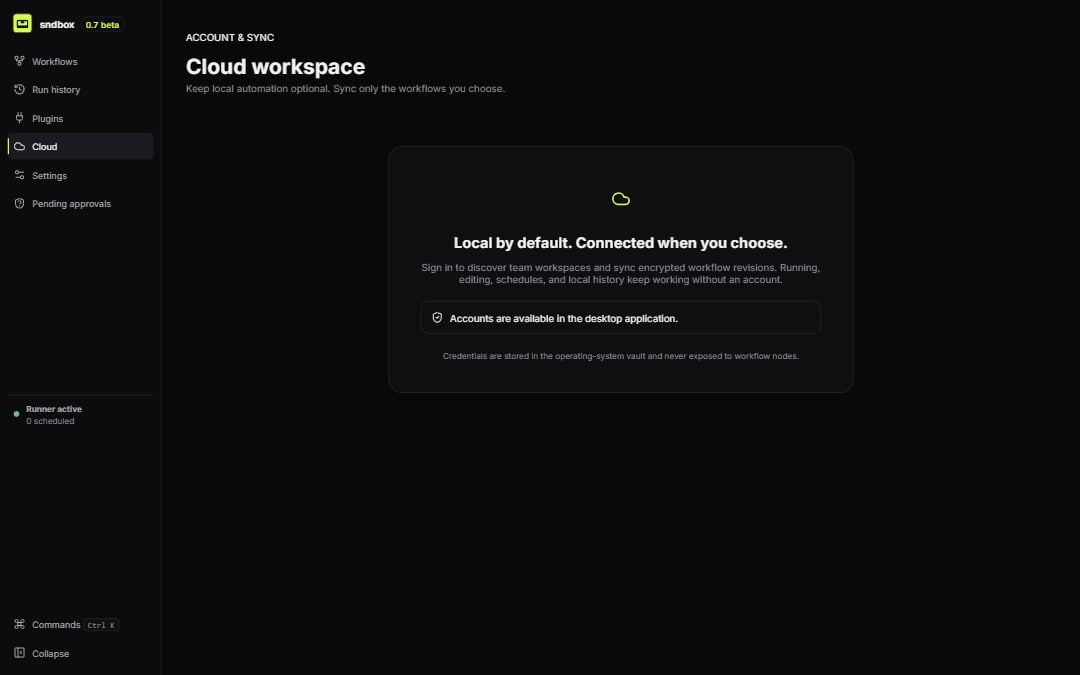
Cloud is opt-in; local workflows continue without an account
Ownership stays explicit
Every shared resource carries anownerType and ownerId. A personal workflow is not inferred to belong to a workspace after sign-in. Import or sync it deliberately when you want workspace governance.
Connections, browser profiles, paths, and local protected values do not automatically become shared merely because a workflow revision is synced. Review missing environment resources before assigning a remote runner.
What the Cloud view handles
- account and workspace selection;
- local and cloud revision status;
- upload/download of encrypted workflow revisions;
- conflict resolution without silent graph merging;
- approval requests and votes;
- publication of an approved exact revision; and
- workspace/runner context needed for remote work.
Local continuity
During a control-plane outage, local edits and local executions continue. Sync, marketplace, remote command, and cloud status report unavailable or waiting instead of blocking a personal local workflow.First workspace workflow
- Choose the intended organisation, workspace, and environment.
- Sync a reviewed local revision and resolve any conflict explicitly.
- Replace local-only resources with environment-owned connections, variables, profiles, and runner capabilities.
- Request approval for the exact revision.
- Publish only after the approval threshold is met.
- Run a bounded test and inspect workspace audit history and execution evidence.
Workflow sync uses service-readable envelope encryption. It is not described as end-to-end encryption because the service can process the key envelope as implemented.